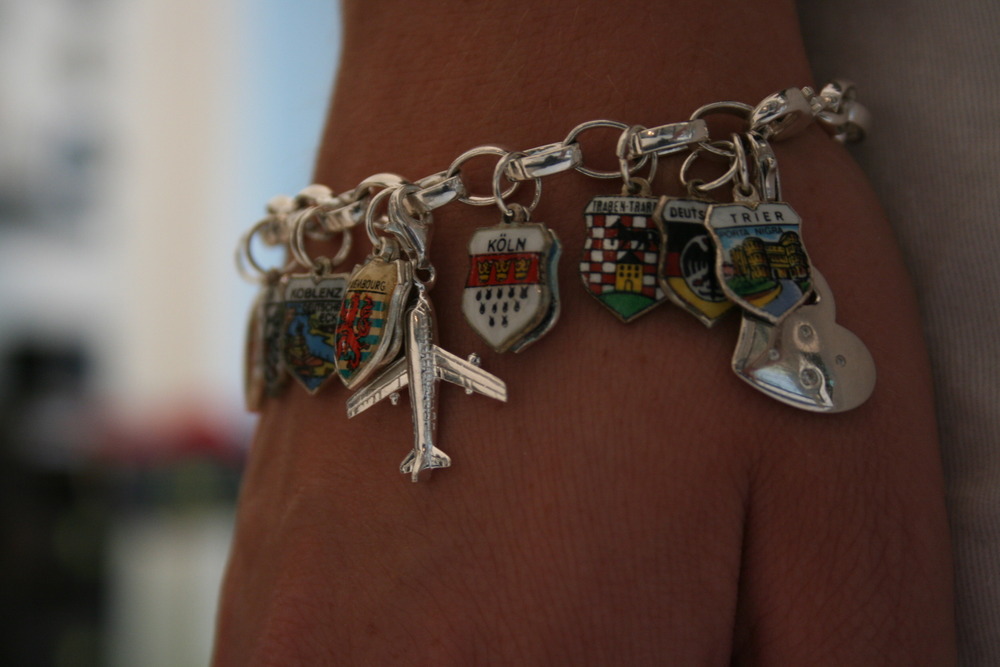
One of the greatest feelings in the world is when you complete a project that has been hovering on the peripheral of your to do list. For me, this has been the remaking of a bracelet which I have had tucked in the far corners of my jewelry box. You see, this bracelet was made of charms which my mother has been collecting for me since I was a little girl. Each shield is a different place which we have visited in Germany, the original chain was too small for my wrists and so I could never wear it before. Last winter, my cousin gave me a shining silver charm bracelet and I knew exactly what I would be using it for.
Category: Uncategorized
-
Scratching it off the list.
This Saturday I finally sat down and put new jumps rings in all the charms and added them to the chain. The plane and heart charm were given to me by my uncle Otto and other cousin, Marion. I love wearing my new musical reminder of all the adventures my family has shared. Of course, there is still plenty of room for more!Continuing the adventure, Jess -
Using Your @Livescribe pen with Gimp Shop
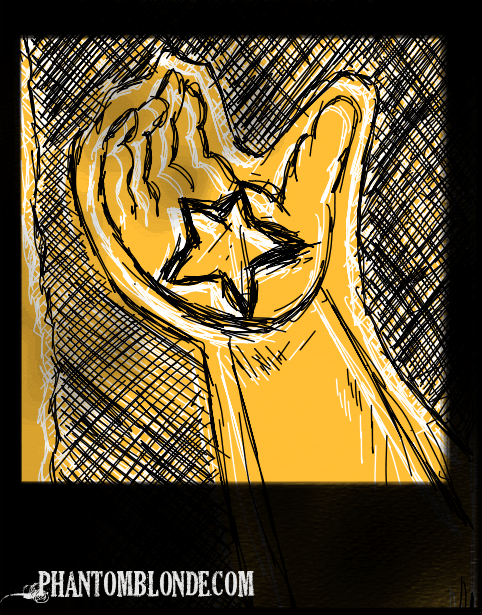
There are many amazing things you can do with a Livescribe pen, and while I believe it is playing a revolutionary role in the business and education world, I think we have yet to scratch the surface of what this pen will allow artists to do in the future.
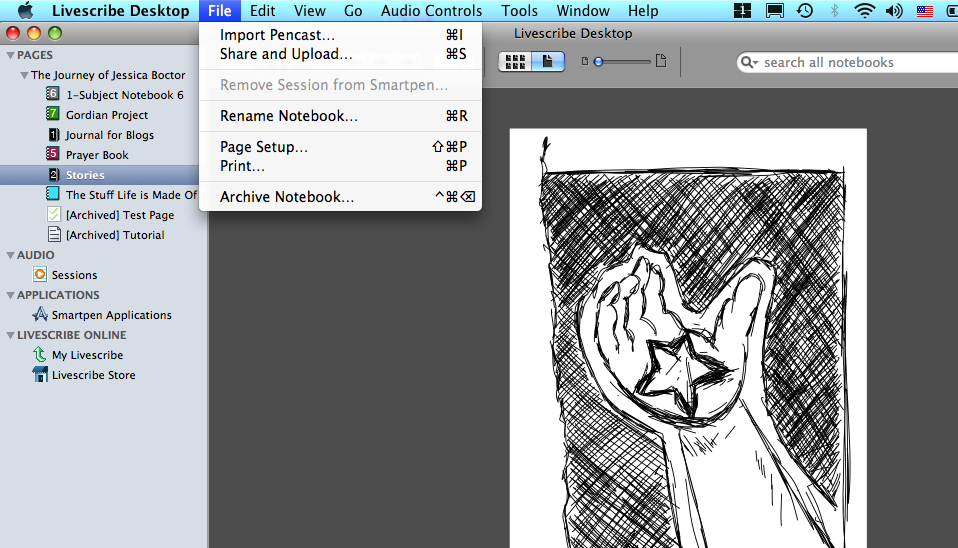
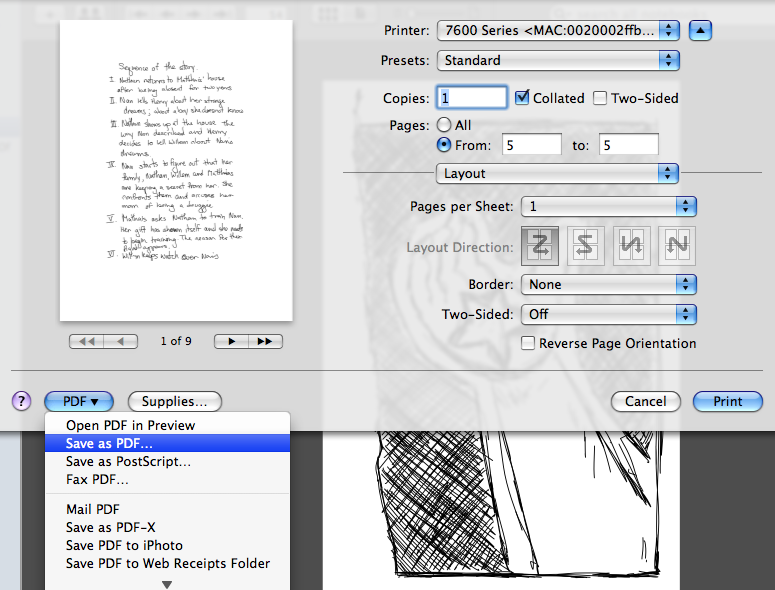
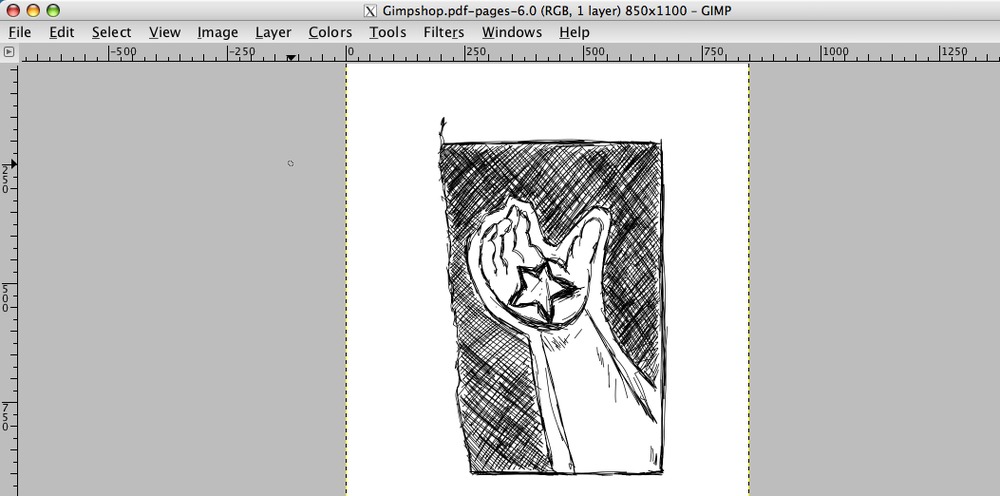
I am, by no means, a skilled graphic artist or a sketch artist for that matter. I was simply excited the Pulse pen lets me have instant digital copies of my doodles from my journals. However, I can see the possibilities. Especially when it only takes a few simple steps you to import any of your livescribe sketches into a photo editor, allowing you to mix graphic and hand made art.Here is all you have to do:1. Open your livescribe desktop application and find the page with the image which you wish to alter.2. From the file menu, click ‘Print’, and then select ‘Save as PDF’ (PC Users, your process for saving a PDF may be slightly different)3. Open your Gimp application4. Click on ‘Open’ Select your pdf file and the image should appear ready to be altered to your hearts content.Continuing the adventure, JessPS: Have you heard the rumors? They are working to make the echo a digital pen which will interface directly with your photo editor. Check it out. -
Ten Commandments for My Life Right Now.
2. Do three things every day: pray, sing, write.3. Do not take Paul for granted.5. Do not watch TV by yourself.6. Do not pick on yourself.7. Apply the do-it-now rule.8. Be thankful.9. Do not spend money you do not have.10. Be intentional in cherishing your community.Continuing the adventure, Jess -
GPP Street Team: In a Scrape
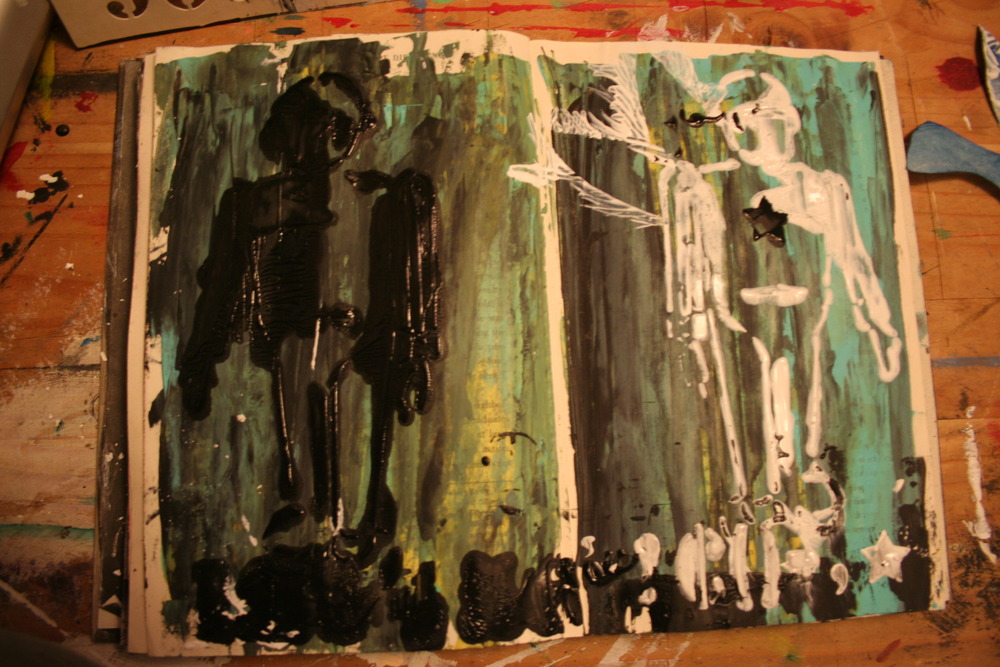
Michelle Ward puts out a new challenge every month for her Green Pepper Press Street Team. This months Crusade is all about using paint and a scraping tool to create cool backgrounds by blending your paint without any use of a brush.
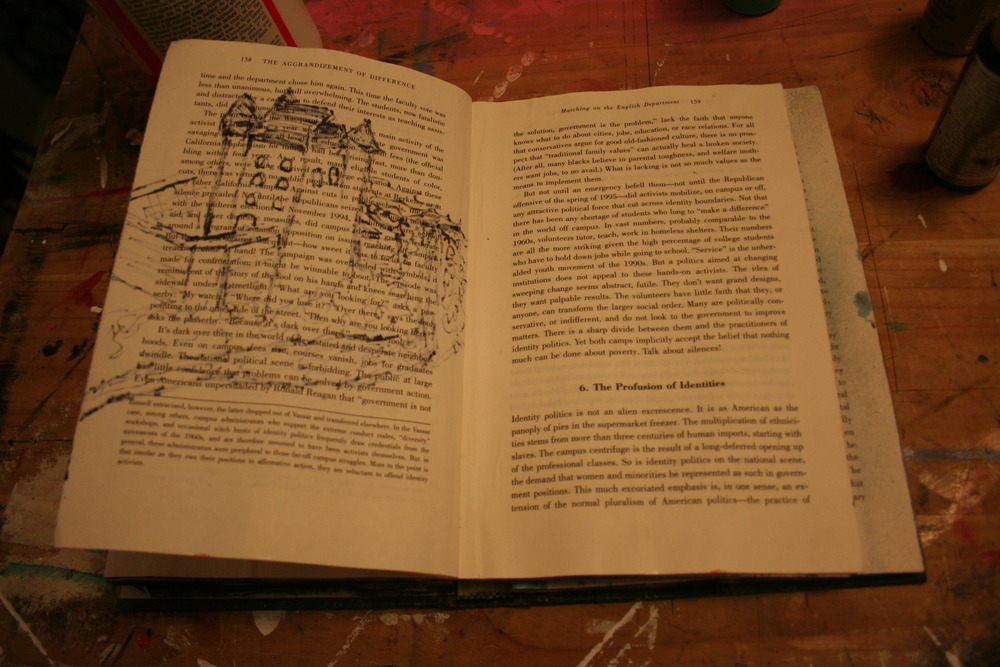
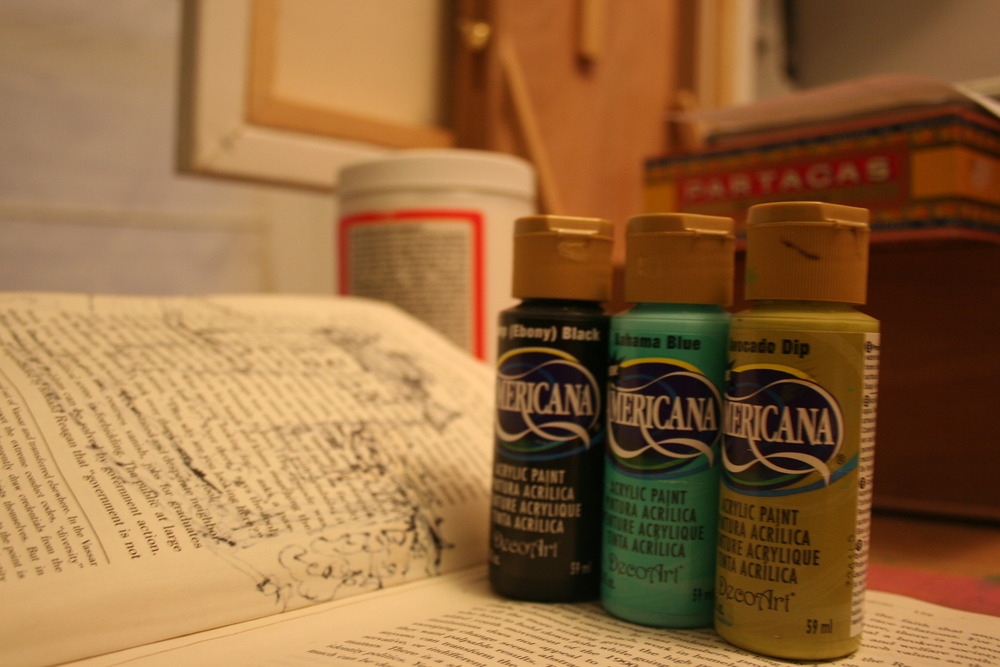
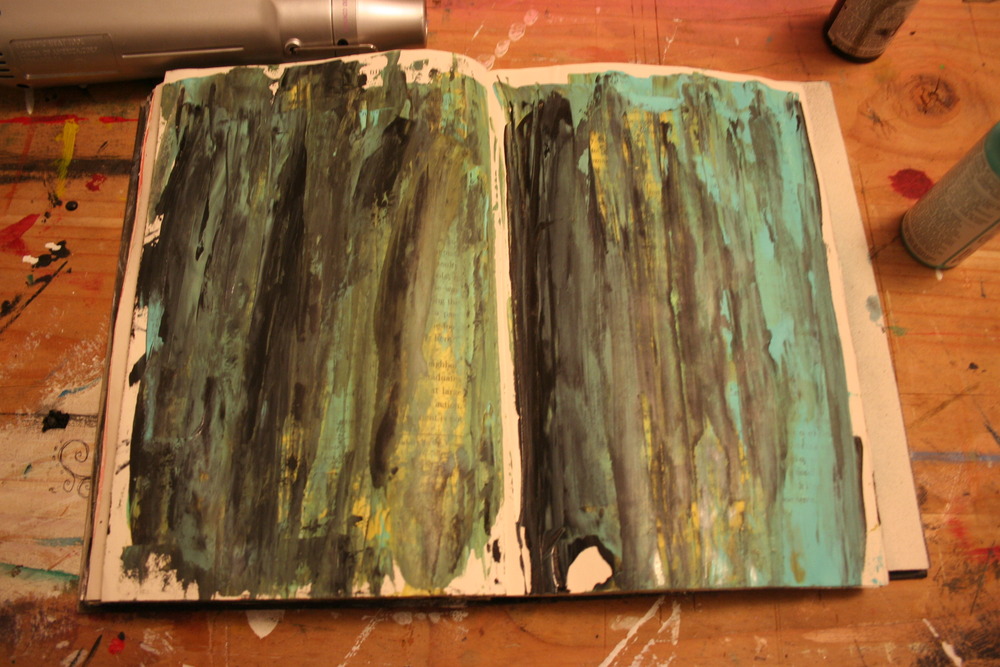
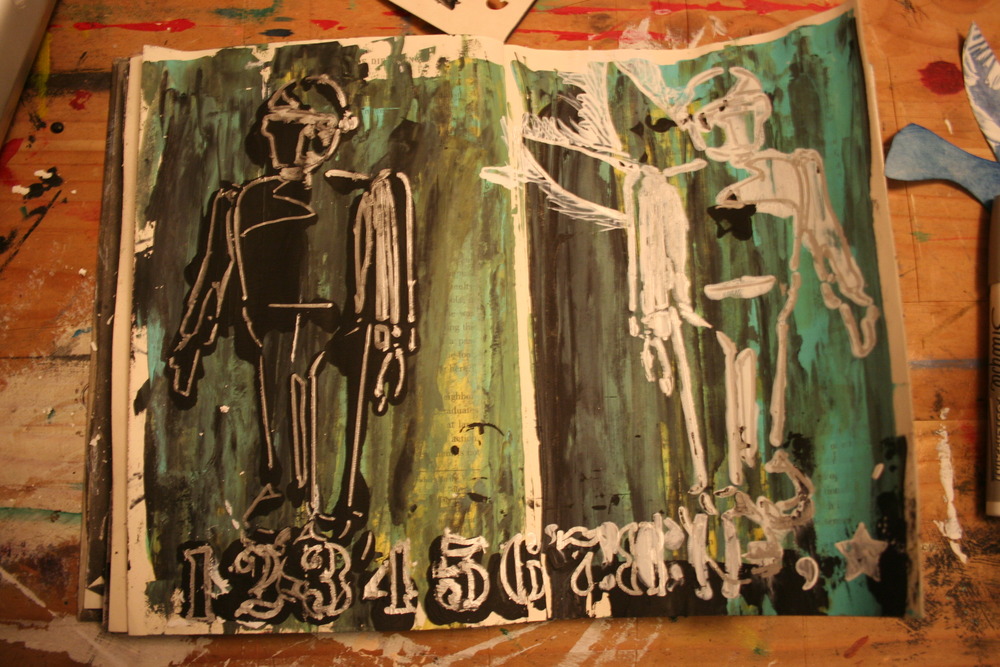
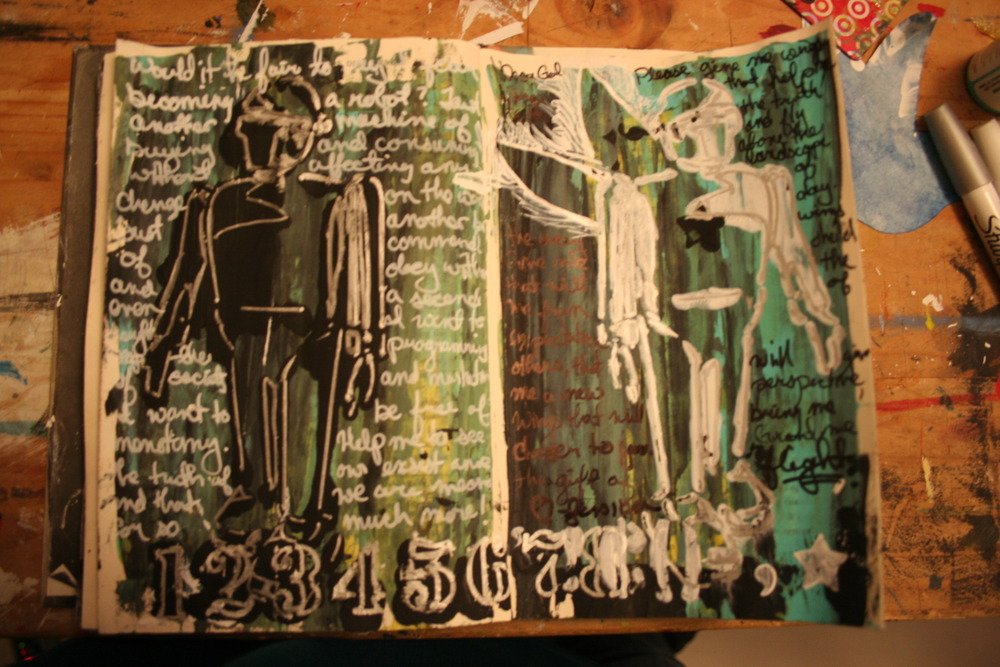
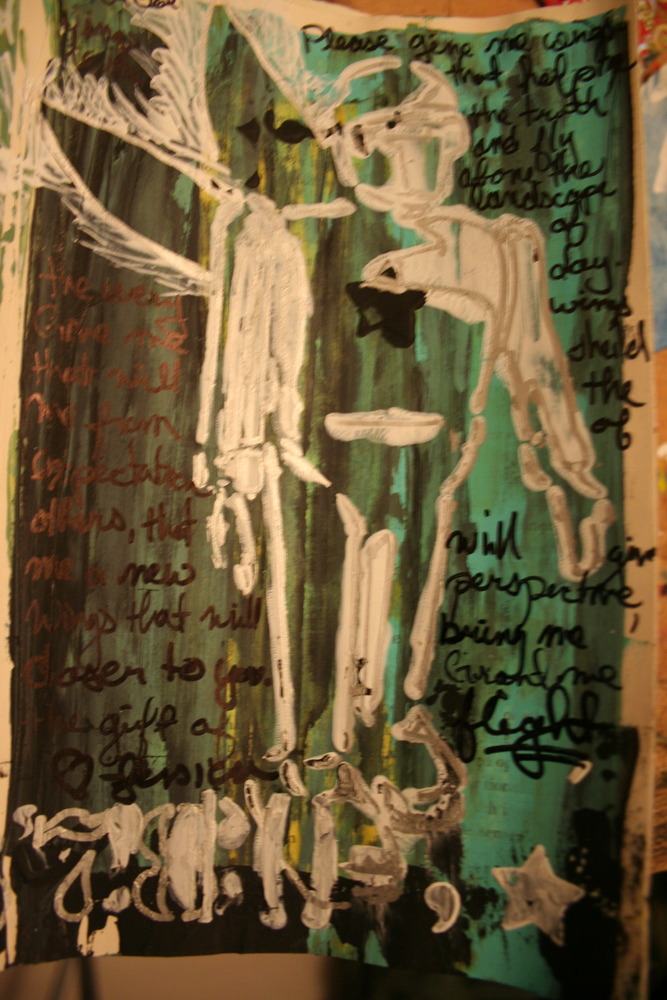
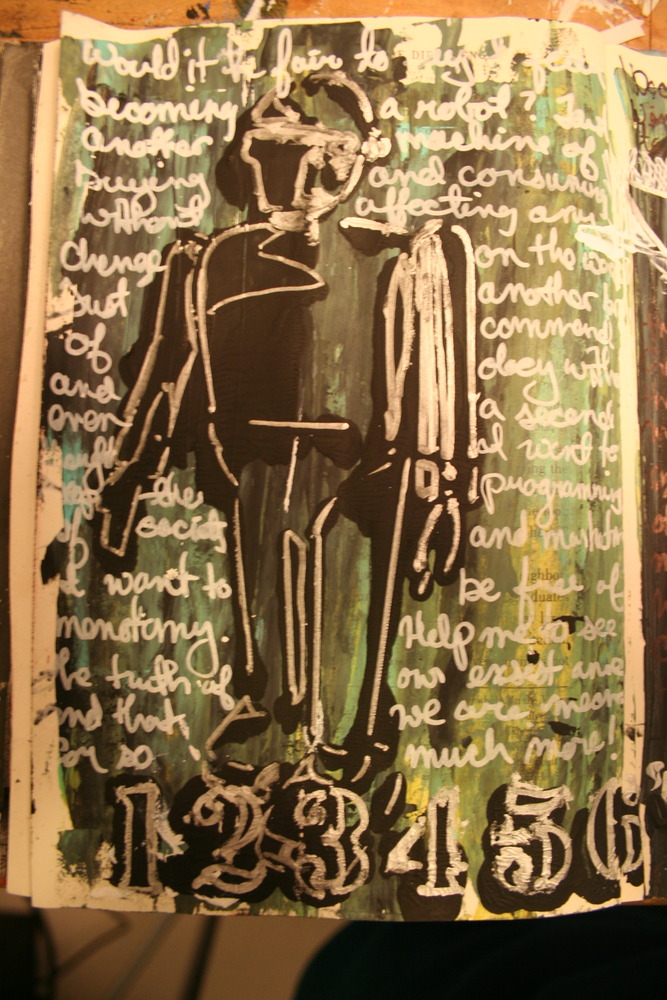
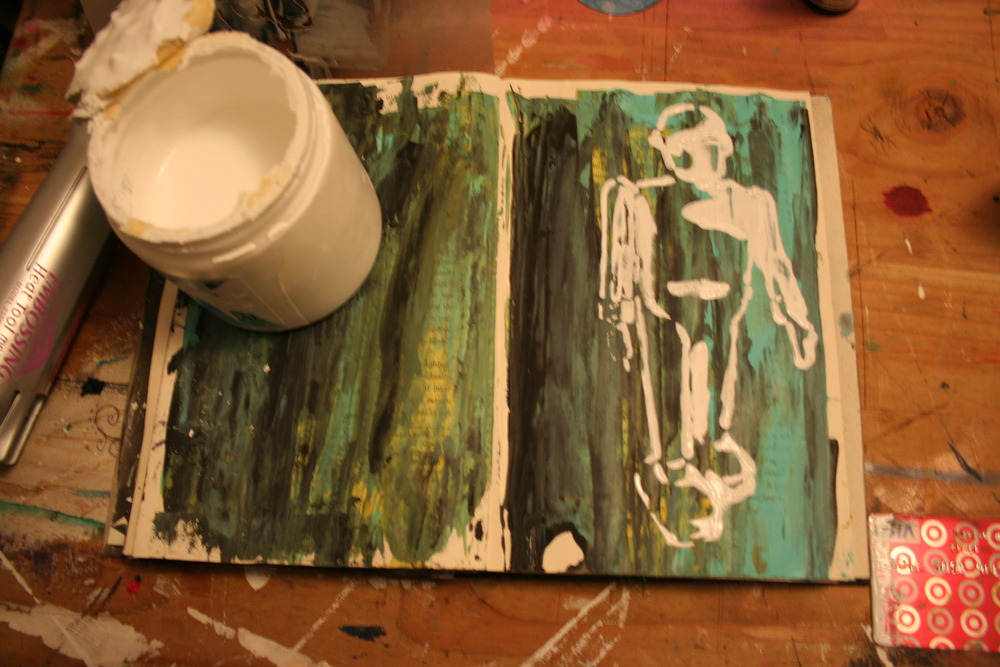
I knew exactly which book I was going to use for this exercise; my play book. I call it my play book because it is the book because it is the book that I play in. It was an old textbook which I found downtown with a sign, “free” over it. I love the way the text usually peeks through my art work, often times even providing inspiration for the work I do.In the first page you can see where a sketch from the page before has bled through. The second image is of the three colors I choose to use; mama always said to design using 3’s and 5’s. The third image is of the background completed, I cheated a little and used my heat gun to speed up the drying process.I have this great stencil of a robot which I used with white gesso and black paint in mirror images. The white robot I decided needed wings. I created the feather edge effect by using my card at angle and pushing the corner into the paint. I also used a oil board number stencil along the bottom for a border; I was using a lot of paint which made the stencil bleed. I liked the overall messy affect which it gave the pages and the thickness I laid it on gave the page more dimension.I let the pages dry over night and came back today with paint pens in hand. I outlined the robot images with more detail, as well as the number border along the bottom. Since I am a writer at heart, I also did a quick hand written journal entry on either side with contrasting color. I like the way my curly que hand writing is very different from the very linear robots and numbers. Overall, I am very excited about the way my pages turned out and will keep my scraping technique in my back pocket of tricks.If you would like to particapate just head over to the Green Pepper Press blog and read Michelle’s instructions.Continuing the adventure, Jessica -
Something Sweet for Your @Livescribe
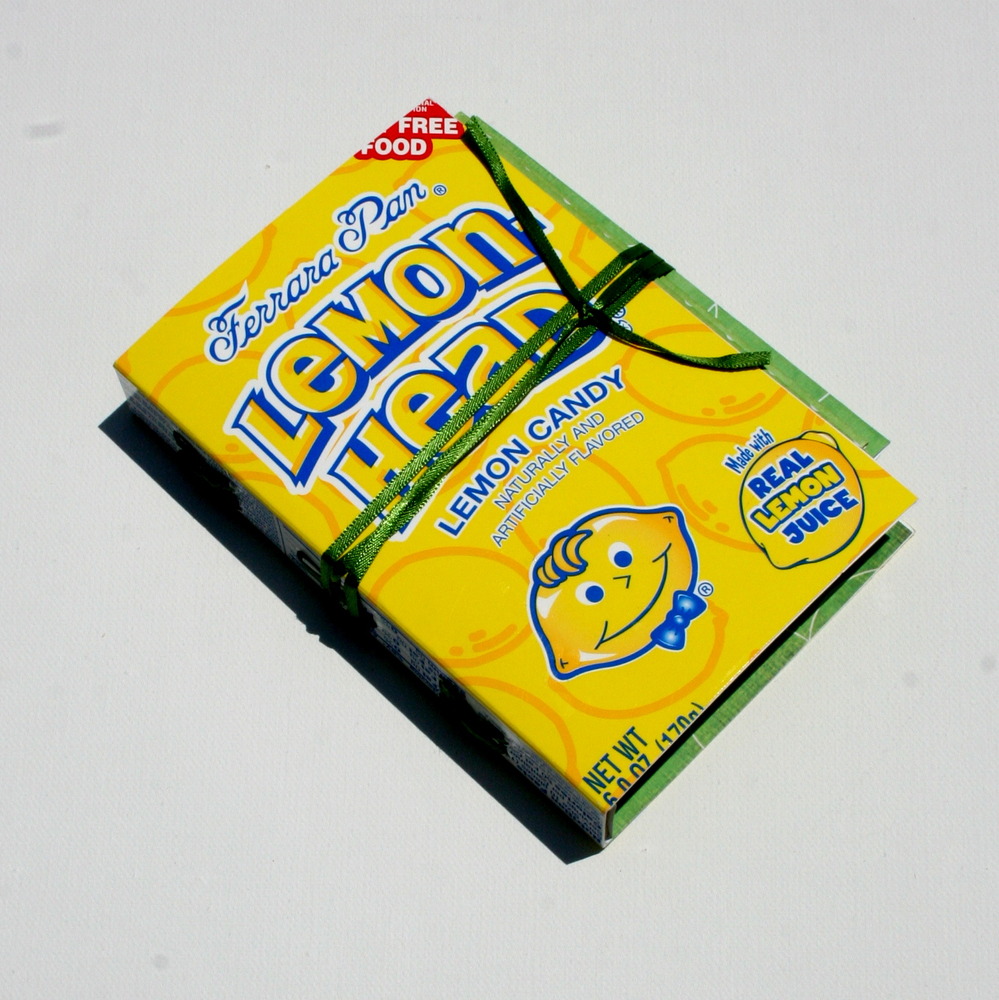
Paul and I are going on vacation this weekend. So I wanted something sweet and small to carry with me to doodle and journal in. Mostly I wanted an excuse to make this book.
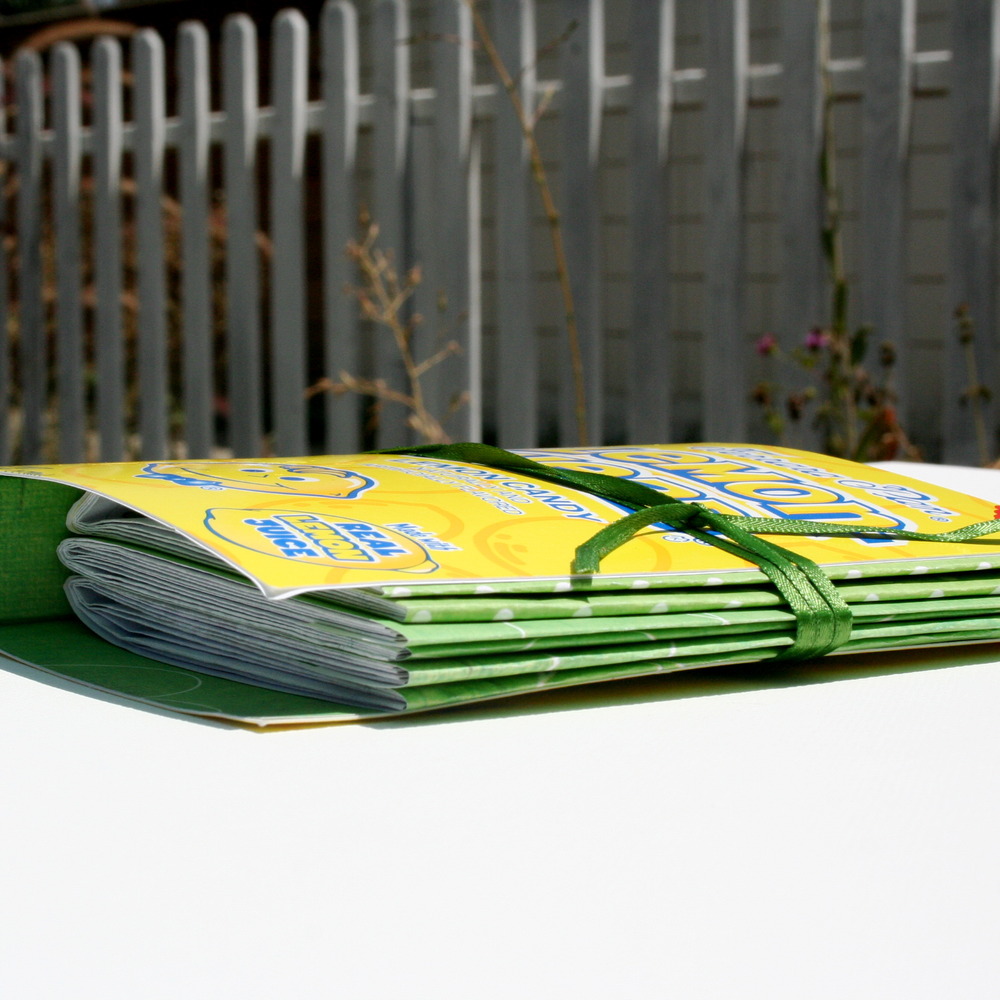
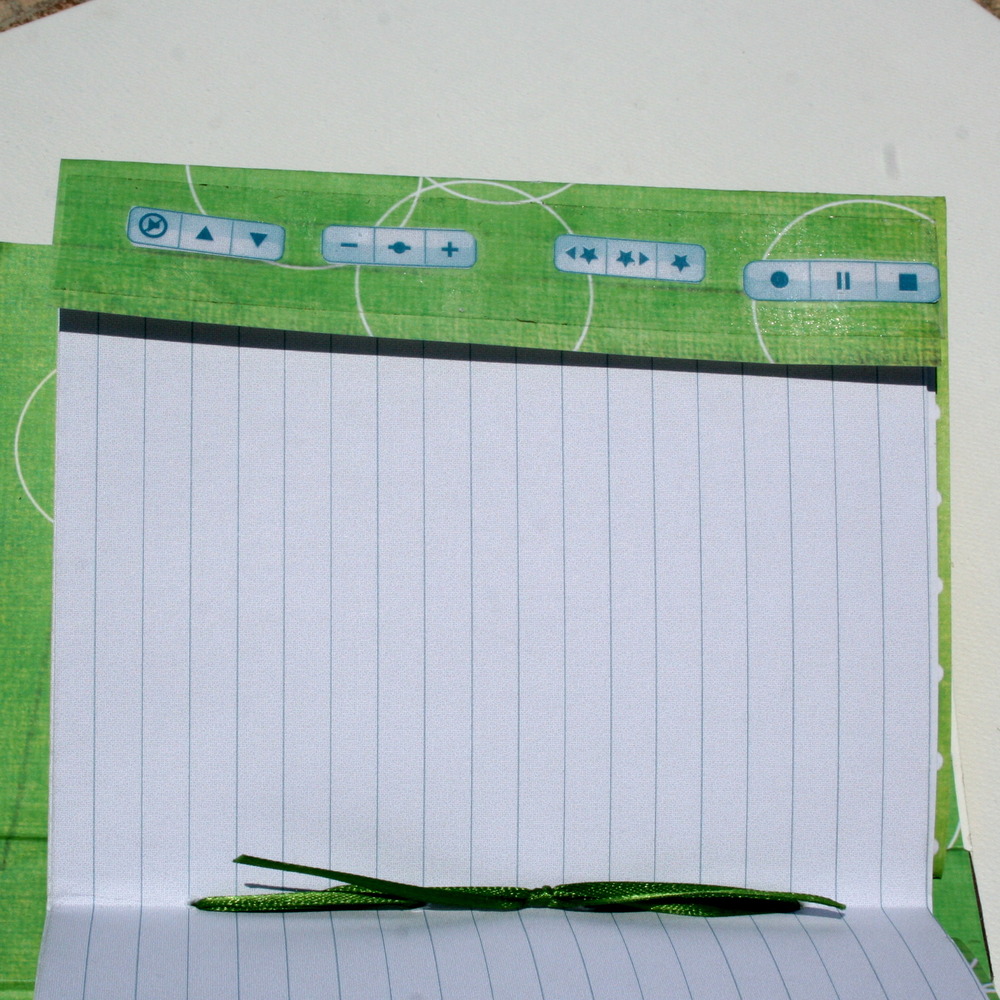
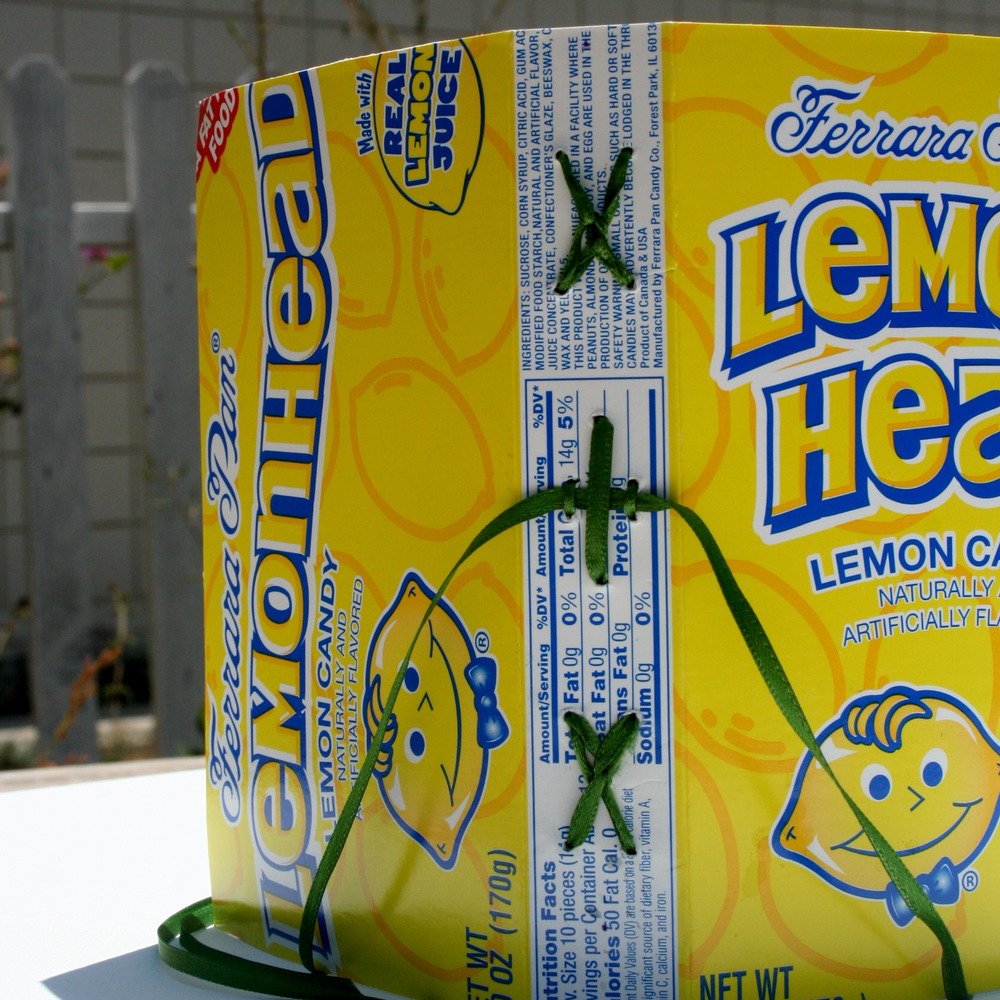
This candy book is made up of a lemon heads box, three 20 page sections of dot paper, ribbon, and some pretty lining pages. I included the navigation buttons on each of the colored section pages, which can also act as book markers.Continuing the adventure, Jess -
Old School Flip Book
I love my Pulse Smartpen from Livescribe.
Some of my posts here have been generated using the Pulse, including Erika’s Song and some of my journal entries.
So I thought it would be fun to see if I couldn’t make some of my own, dot paper amazing notebooks and journals. What better way to start than with some old data storage devices?
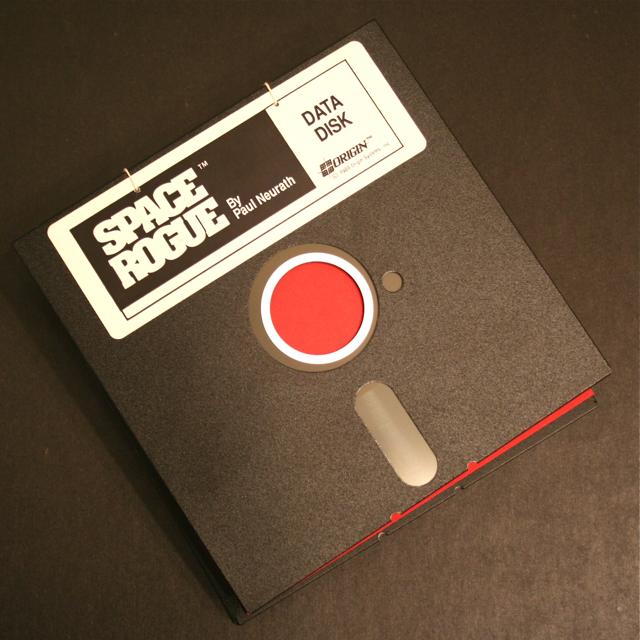
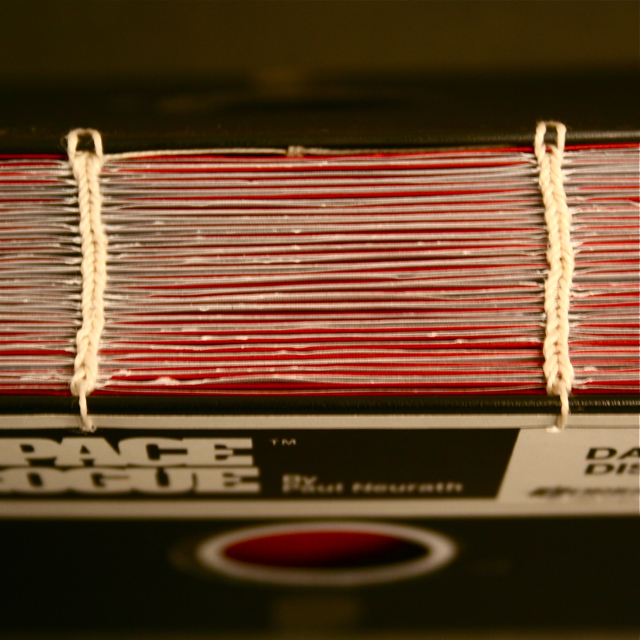
Take 2 old school 5″ x 5″ floppy discs, add dot paper and Voila! You have one super cool flip note book.
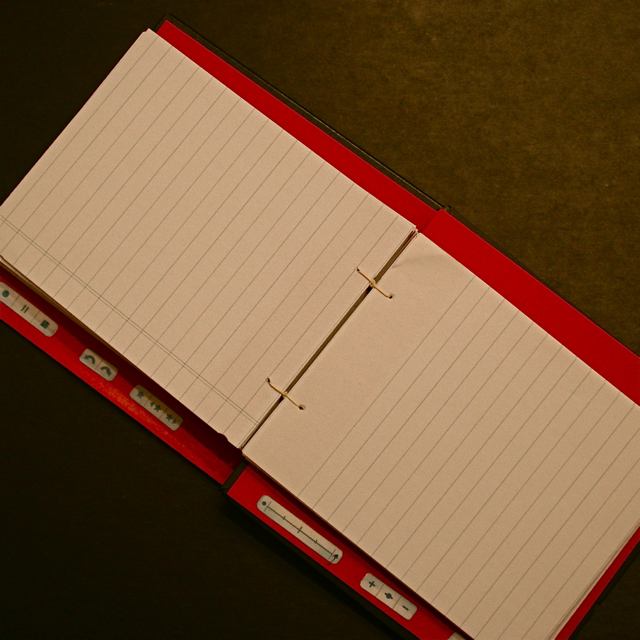
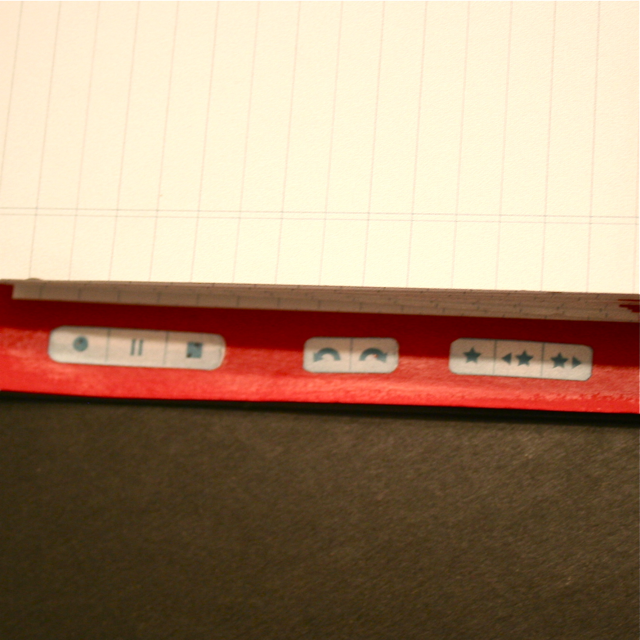
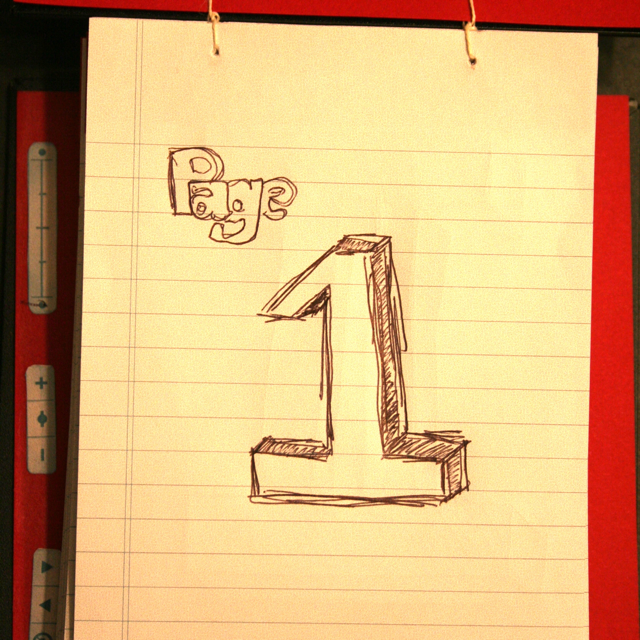
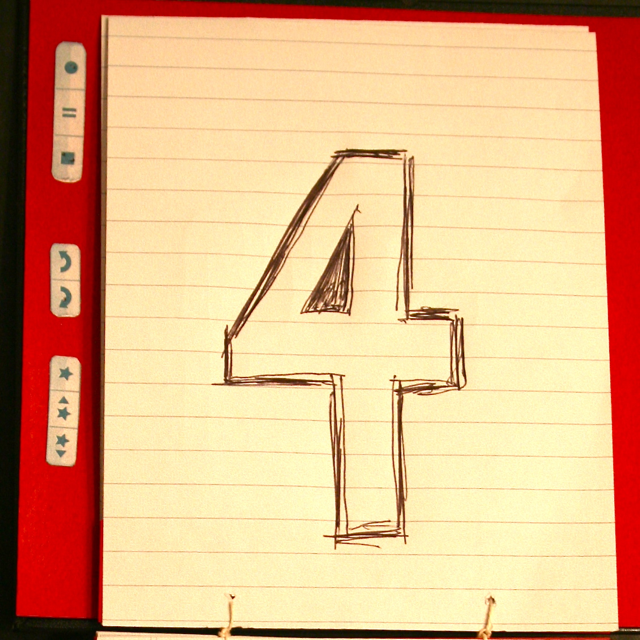
I hand bound the notebook using a modified coptic stitch with reinforced edges. The flip book opens from top to bottom and lays flat once opened. There are Livescribe navigation buttons running along the left hand side.I used 8.5″ x 11″ dot paper, so the pages run a little funny when they show up in your Livescribe desktop, the PDF example below shows how the images run top to bottom, left to right.
If you would like one of your own Old School Flip Book, I would be happy to make you one. Just click the Buy Now button to order one through Google Checkout and I will get stitching. You can even pick what color interior you want: Red, Blue, Yellow, Black or White.
$30.00 – Old School Flip Book-Red $30.00 – Old School Flip Book-Blue $30.00 – Old School Flip Book-Yellow $30.00 – Old School Flip Book-White $30.00 – Old School Flip Book-Black