
There are many amazing things you can do with a Livescribe pen, and while I believe it is playing a revolutionary role in the business and education world, I think we have yet to scratch the surface of what this pen will allow artists to do in the future.
I am, by no means, a skilled graphic artist or a sketch artist for that matter. I was simply excited the Pulse pen lets me have instant digital copies of my doodles from my journals. However, I can see the possibilities. Especially when it only takes a few simple steps you to import any of your livescribe sketches into a photo editor, allowing you to mix graphic and hand made art.
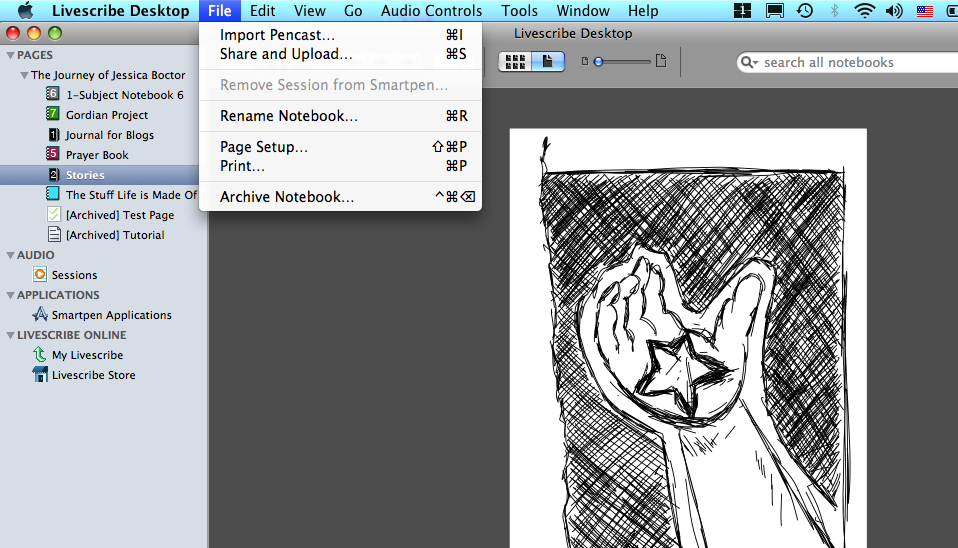
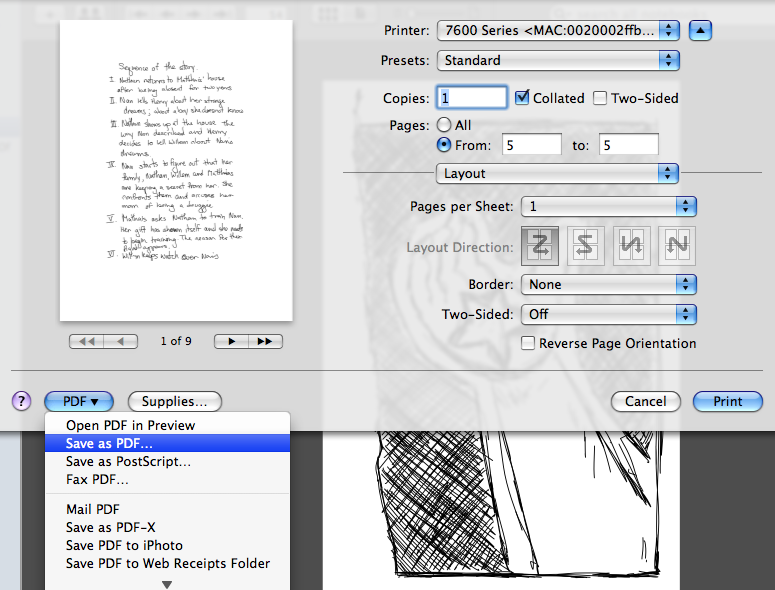

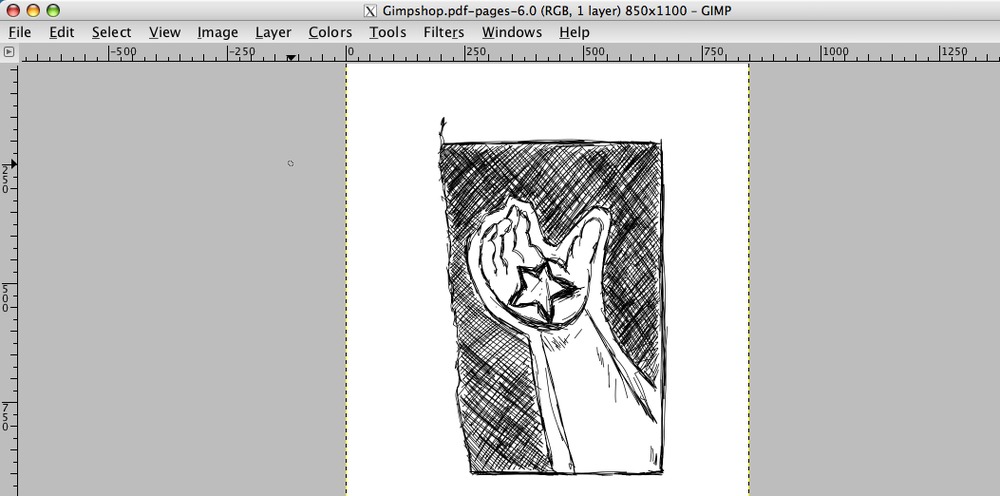
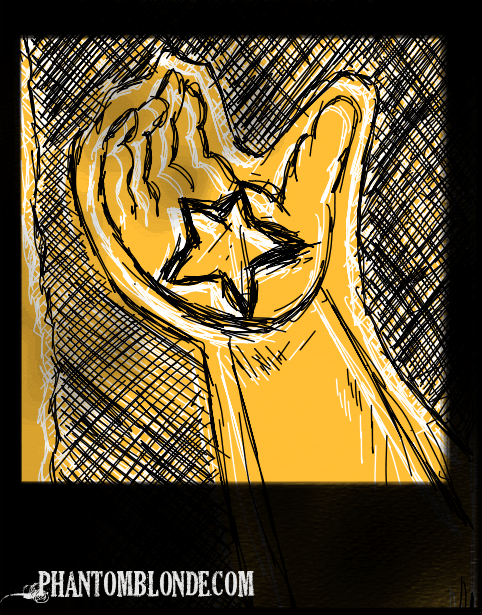
Here is all you have to do:
1. Open your livescribe desktop application and find the page with the image which you wish to alter.
2. From the file menu, click ‘Print’, and then select ‘Save as PDF’ (PC Users, your process for saving a PDF may be slightly different)
3. Open your Gimp application
4. Click on ‘Open’ Select your pdf file and the image should appear ready to be altered to your hearts content.
Continuing the adventure,
Jess
PS: Have you heard the rumors? They are working to make the echo a digital pen which will interface directly with your photo editor. Check it out.

 Jess Boctor