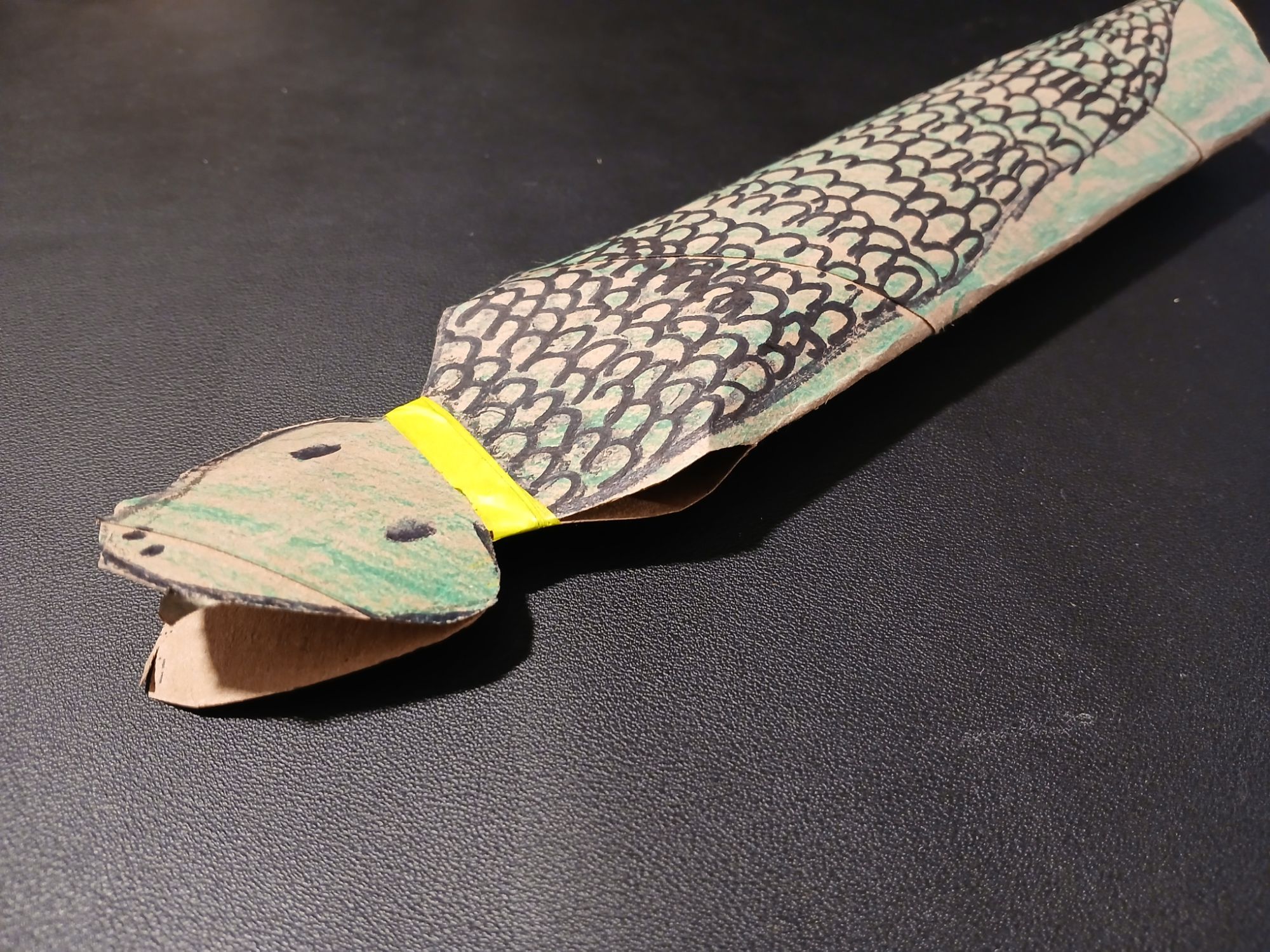
He wanted snakes. So we started discussing the materials we had on hand and what he envisioned. We landed on making snakes out of paper-towel rolls.
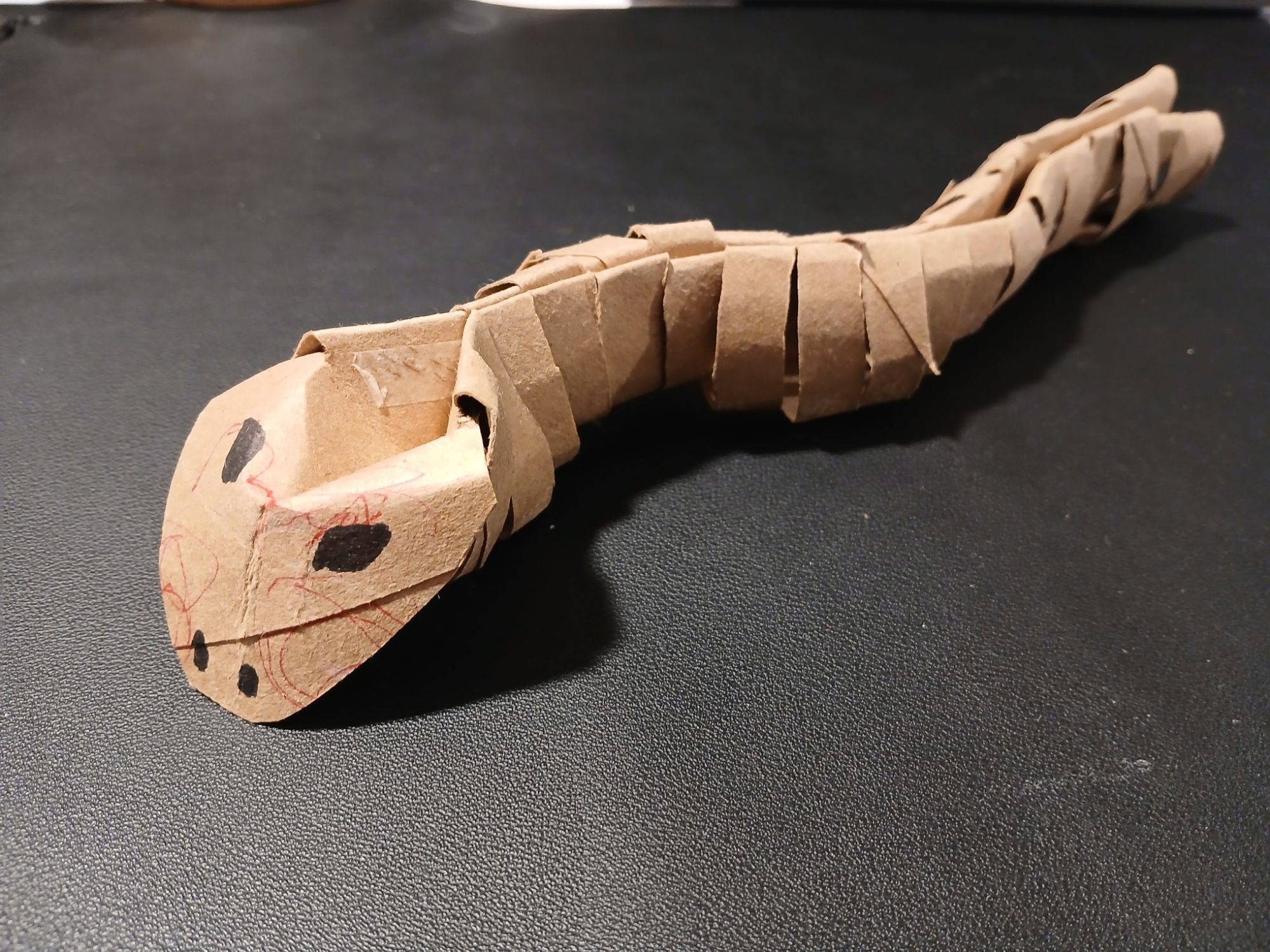
As he chattered in the backseat, I let my mind wander to how I would engineer a snake from a paper towel roll. In theory, they were similar shapes, both long cylinders. It was the issue of movement I was trying to solve.
Snakes slither in a motion that requires flexibility. So, rather than a solid cylinder that spans the full length of the “snake”, a set of linked smaller cylinders would be the better option.
But how to produce that shape from a paper-towel roll?
Photo by Jessica Lewis ud83eudd8b thepaintedsquare on Pexels.com
I thought my solution was pretty ingenious. I folded a crease into the top of the roll, and used double-sided sticky tape to create a “spine”. Then, I made vertical cuts along the bottom to allow for movement as the snake “slithered”.
The problem? The more time I spent folding, cutting, and taping–the more distressed the mini-client became.
I tried to reassure him how cool it would be. I explained I was making it “move like a snake”. All of my explanations did nothing to assure the mini-client what I was doing was the right way to make a snake.
Why?
Because it wasn’t what he wanted.
When I finally stopped to ask him what he thought it should look like, it was simply a snake drawn on a cardboard roll. And the mouth should open.
🤦♀️ 😅 😂
This was a reminder that as creatives, engineers, and ideas-people, it is so easy to get carried away with how cool we can make it. It’s important not to skip over checking with the client to ensure we are building what they want.
I was building the mini-client a web app. He wanted a static page with a gif.
The brief
The PR
Eventually, we got on the same page and I was able to deliver a product the mini-client was happy with. However, I wasted time and materials in pursuit of my own goals. That is never ideal.
I’m thankful for the reminder to invest time in asking better questions earlier in the creative process to meet client expectations.
I am working with a company who needs a nicely formatted way to display a group of employees. Currently, the team page is using hardcoded [author] shortcodes to format the page, but this makes it a pain for the staff to update the team information.
So they don’t.
So, I am creating a Simple Custom User Display, or SCUD, plugin.
Did you think I was talking about missiles? Also, did you know there is a type of baby shrimp called a scud? You can learn about them here.
I am sure there are already WordPress plugins which have a similar functionality to display users in a page archive. However, in this case, the company that I am working with doesn’t need a bunch of bells and whistles. Since they don’t have someone who regularly handles updating the site, keeping things light and less likely to run into update conflicts would be best.
Also, I haven’t built a plugin from scratch in a bit. The majority of my recent work has been in digging through legacy code and surgically making improvements and refactors. Building something new seems like fun.
Before I started writing any code, I spent some time thinking through the plugin and what this company needed. I thought it might be an interesting exercise to share.
Problem Statement:
The “Company” needs to improve their current “Team” page. Currently, it is out of date and is not easily updated by the staff at the Company. The current page is making use of the [author] shortcode in order to format contact information which is hard coded into the page directly. The metadata for each team member is not being pulled from a custom post type or user profile. This means that in order to edit a single piece of information (e.g. update a team member title), the user must sort through the page code to make changes.
Solution:
Create a lightweight plugin which uses as much core WordPress functionality as possible to make each team member information its own dataset. This way, the team member information can be easily pulled, sorted, filtered, and displayed on the front end. To make this easily editable in the future, utilize WordPress users to contain the sales rep information and metadata.
Information store: Users
The current website displays the team members grouped by their team and state. We can maintain this information if we can create a taxonomy for users. This looks to be a simple case of registering a custom taxonomy on the user type
After creating the taxonomies, we want to limit the capabilities of the team member users. We can do this by creating a custom user role “Team Member” and limiting what they have access to. The role needs to only be added during the activation hook of our plugin and then we can begin to assign users to the role.
The last piece of information we need to include is custom user meta fields. The team members have extra information, like their title and regions, which we need to be able to save. We can include this in the edit_user_profile hook
The end goal here is that any team member could log in to edit their own profile information. If they don’t have their login, an administrator would also be able to update the contact information for them.
Display
Option 1: DataViews (Stretch)
WordPress has recently introduced DataViews to core. This allows data sets (such as users) to not only be displayed, but also searched, filtered, and sorted.
DataViews has multiple layout options, including a table, grid, or list. Since the DataViews fields each render the component in custom React, we can customize the layout of the user information and how it is displayed.
Additionally, since not all “fields” have to be displayed to be used for filtering, we can use the taxonomies to filter the users.
The goal here is to allow users to be added to the website and then be automatically added to the Sales Team page without needing to edit the page content itself.
If we contained the DataViews within a Block (for Divi or Gutenberg) then we would also be able to add custom content above or below the block without having to touch code.
Divi can now display Gutenberg blocks. So this means we only need to create the block as part of Gutenberg.
This is basically the same principle as option 1, but with a custom page template. This is less flexible and doesn’t allow for searching, sorting, or filtering.
Option 3: Divi Drag and Drop Page
This option would be the most similar to the current implementation (the layout being created within the page editor). While we would still have the benefits of better user information control, it wouldn’t solve the long term-ease of use problem. It would likely be the least time consuming though.
The goal is not to create a WYSIWYG plugin which allows a user to install and customize the new user role and display. Rather, it is a lightweight plugin with enough instructions on how to customize things that a dev can pick it up and make it their own.
Which is what I will do for the company I am working with 🙂
PS Before and after images will be coming soon once I have the website refresh completed.




 Jess Boctor